Voice typing tool for Macs
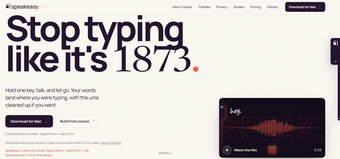
speakeasy. is a free AI writing assistant from independent developer Jacob Lange. It is a speech-to-text tool that enables users to dictate words and transcribe what they say into text on the spot. It’s designed to work universally and can be used in place of typing where text fields are present for input.
Speak your thoughts
To use speakeasy., press and hold your right Option key and start speaking for up to five minutes. It is then processed using Deepgram or Groq AI models and provides you with ready-to-use outputs. There’s also an option to utilize the Polish feature to clean up your words and sentences for a more concise and clear message without needing to review and revise anything yourself.
Another notable feature is seamless coding prompts with Cursor, Claude Code, and Codex. Now, do note that the free tier of this app is limited to five dictations per week. If you need more, you can avail yourself of either the Standard or Pro plans for extended hours of dictation. Also, it currently only supports English and requires an active internet connection to work.
Pretty good and handy
Overall, speakeasy. is a solid dictation tool for your Mac that works quite well and is easy to use. You can dictate for up to five minutes, and the Polish feature is handy for cleaning up your words and sentences. Just be wary of the things mentioned above, and you’ll be good to go.